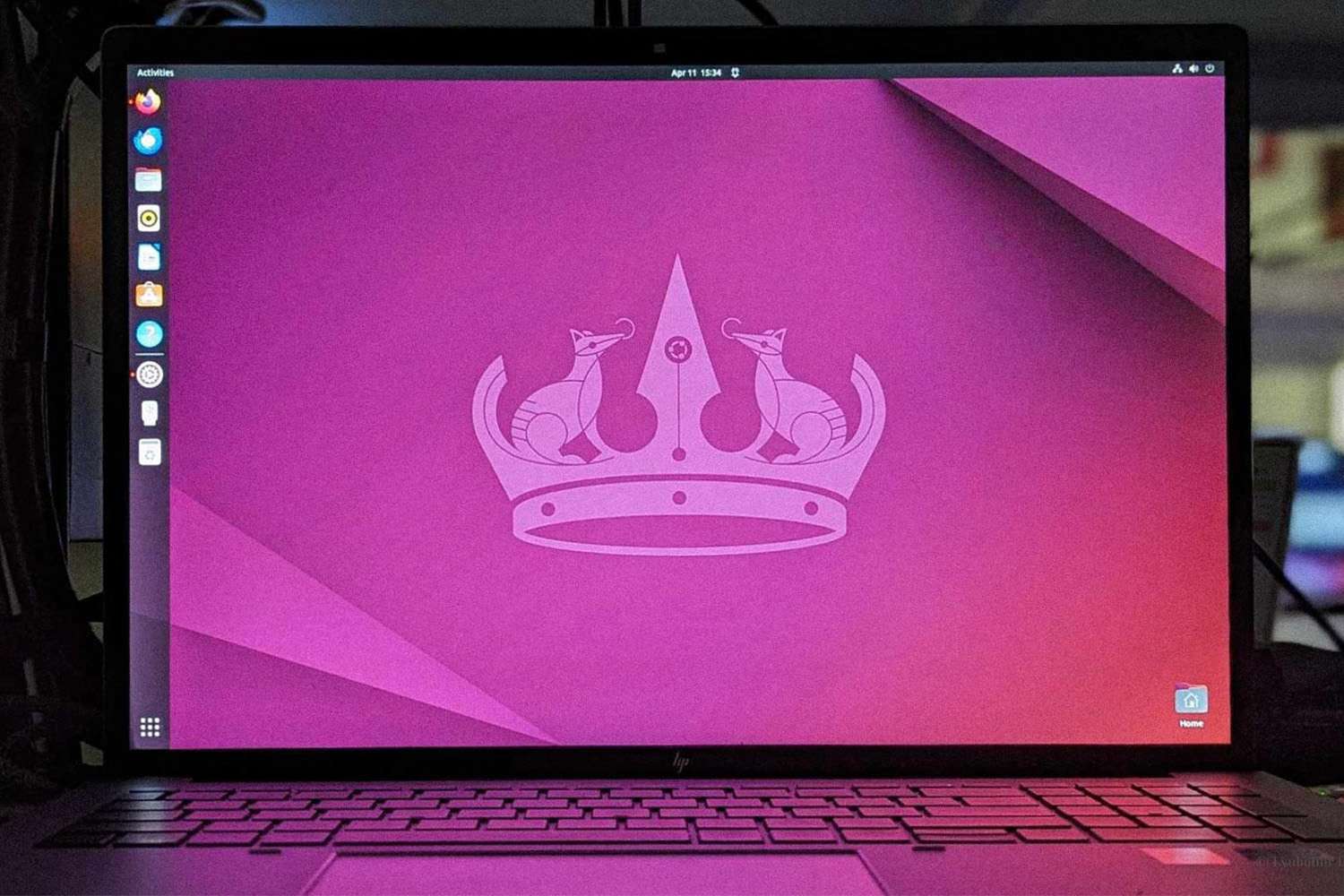
The AI invasion is not exactly arriving with dramatic music and a laser show. It is sneaking in the way most modern tech does: under the label of “helpful.” Helpful summaries. Helpful assistants. Helpful recall tools. Helpful buttons that appear where no one invited them. Before long, your computer starts acting less like a tool you control and more like an eager intern who never stops taking notes, never stops suggesting things, and definitely does not understand when you want five quiet minutes.
That is why Linux suddenly looks less like a niche hobby and more like a sanity-preservation plan. If you are tired of operating systems that keep stuffing AI deeper into the desktop experience, Linux offers something refreshingly old-fashioned: control. Not fake control hidden behind five menus and a disclaimer, but real control over what runs, what starts, what updates, what reports home, and what stays gloriously absent.
This is not an argument that AI is always bad. It is an argument that forced AI is annoying, intrusive, and sometimes downright creepy. If your goal is to escape the endless push toward built-in assistants, always-on suggestions, screenshot memory tools, cloud-tied workflows, and “smart” features that may or may not understand your bank statement, Linux is still your best exit door. And unlike many exit doors in modern tech, this one is not disguised as a subscription.
Why People Want Out of the AI Rush
The modern desktop is changing fast. Operating systems are no longer just places where you launch apps and save files. They are becoming platforms for AI features that summarize content, observe your workflow, search in natural language, rewrite text, generate images, and try to anticipate what you want next. For some people, that sounds amazing. For others, it sounds like a nosy roommate with admin privileges.
The biggest problem is not that AI exists. The biggest problem is that it keeps moving closer to the operating system itself. Once AI stops being just another app and starts living inside search, screenshots, file history, browsers, notifications, and productivity tools, the question changes. It is no longer, “Do I want to use AI?” It becomes, “How much of my computer am I comfortable letting AI observe?”
That makes many users uneasy for three simple reasons:
1. Privacy fatigue
People are tired of guessing what is processed locally, what is sent to the cloud, what is stored, what is analyzed, and what might be reviewed later. Even when companies add better controls, the trust gap remains. Once a platform gains a reputation for overreaching, users do not magically relax because the checkbox moved to a nicer screen.
2. Feature bloat
Many people just want a fast, clean, stable computer. They do not want AI in the file picker, the browser sidebar, the screenshot tool, the search bar, the email draft, and possibly the toaster. They want the machine to open programs, manage files, and stay out of the way. Old-fashioned? Maybe. Effective? Absolutely.
3. Loss of agency
When AI becomes deeply integrated, users often feel nudged into a workflow they did not choose. Instead of selecting tools deliberately, they are gradually steered toward a vendor’s ecosystem, account system, cloud pipeline, and preferred assistant. Convenience becomes a leash with rounded corners.
What Makes Linux Different
Linux is not magical. It does not make your laptop float, your coffee brew itself, or your printer suddenly become emotionally stable. What it does offer is a computing model built around transparency, modularity, and user choice. That matters more than ever in the AI era.
Most Linux distributions do not treat AI as a mandatory layer of the desktop. If you want AI tools, you can install them. If you do not want them, your operating system usually does not chase you down the hallway with a “just try it” banner. This difference is huge. It means Linux remains a general-purpose system first, rather than a delivery mechanism for whatever the latest product strategy meeting decided was “the future.”
Here is why Linux stands out.
You control the software stack
On Linux, you choose the distribution, desktop environment, browser, package source, startup behavior, update schedule, and background services. You can run a polished beginner-friendly distro like Linux Mint, Ubuntu, or Zorin OS. You can choose Fedora for a modern desktop with strong open-source values. You can pick Debian for stability. Or you can go full Arch Linux and become the kind of person who says, “I built my system from scratch,” which is either inspiring or mildly terrifying depending on your mood.
The point is choice. AI is not welded into the identity of the system. It is optional software, not a destiny.
You can inspect, replace, or remove more parts
Open-source software does not automatically equal perfect privacy, but it does create the conditions for scrutiny. Communities can inspect code, debate defaults, fork projects, publish alternatives, and object loudly when a distro pushes something users dislike. That public friction is healthy. It keeps operating systems from quietly drifting too far into “trust us” territory.
In practical terms, if you dislike a tool on Linux, there is a good chance you can remove it, replace it, or install a lighter alternative. Try that with some mainstream platforms where the default answer is essentially, “No, but look at this new AI panel.”
You are not the product roadmap
Commercial ecosystems increasingly push AI because they need revenue growth, hardware upgrades, cloud engagement, and platform lock-in. Linux distributions are not free from strategic decisions, but they are generally less obsessed with turning every desktop interaction into an opportunity for data-driven “enhancement.” Linux often feels like software built to serve the user, not software built to serve the quarterly slide deck.
Linux Is Not Anti-AI. That Is the Whole Point.
One of the smartest reasons to choose Linux is that it lets you reject forced AI without rejecting useful AI. That distinction matters.
If you want to run local models with tools like Ollama, LM Studio alternatives, text-generation interfaces, or command-line AI utilities, Linux is often an excellent environment. Developers, researchers, tinkerers, and privacy-minded users already rely on Linux for machine learning workloads, local inference, scripting, containers, and GPU experimentation. In other words, Linux does not tell you “no AI.” It tells you, “Your computer, your rules.”
That flexibility is exactly what many users want. They are not anti-technology. They are anti-being-volunteered.
A writer might want a local summarization model for notes but not an operating system that indexes every screen they view. A programmer might want AI-assisted debugging in a terminal but not an always-present assistant glued to the desktop shell. A student might want local transcription but not a browser that keeps waving a chatbot in the corner like an overcaffeinated hall monitor.
Linux handles these preferences well because the platform is built around components rather than commandments.
Privacy, Telemetry, and the Myth of the Perfect Operating System
Let’s be honest: no operating system is perfectly private by default just because it has a penguin logo. Linux is better understood as a platform where privacy-respecting setups are easier to build and easier to verify.
Some distributions include optional telemetry, crash reporting, or usage prompts. Some applications on Linux still connect to outside services. Some users install proprietary graphics drivers, cloud sync tools, or browsers with their own data collection practices. So the adult version of the conversation is not “Linux collects nothing, ever.” The adult version is: Linux gives you far more visibility and far more control over what is installed, enabled, and connected.
That difference is massive.
On Linux, privacy-minded users can choose a minimal installation, disable unused services, use firewall tools, prefer open-source applications, switch to privacy-focused browsers, avoid cloud lock-in, and route AI tasks entirely through local models if they want. They can also read documentation, inspect configs, and benefit from communities that openly debate telemetry, defaults, and trust.
Modern computing does not require perfection. It requires informed control. Linux offers more of it than the mainstream alternatives.
Linux Also Wins on Longevity
There is another reason Linux is the best escape route from the AI invasion: it keeps older hardware useful. That matters now more than ever.
As major commercial operating systems lean harder into AI features, they also lean harder into newer hardware requirements. Suddenly your perfectly decent computer is treated like a museum artifact because it lacks the right chip, the right firmware setting, or the right badge. Meanwhile, Linux takes one look at your “obsolete” laptop and says, “That thing still has years left in it.”
This is not just a budget issue. It is a freedom issue. Users should not have to buy a brand-new machine simply to avoid a future full of baked-in AI features and operating system nagging. Linux gives people another path: keep the hardware, replace the OS, skip the nonsense.
A lightweight Linux distribution can breathe life into an aging PC that no longer fits the business model of newer commercial platforms. Instead of being pushed into a hardware refresh, you can install Linux Mint XFCE, Xubuntu, Lubuntu, Debian with Xfce, or another lean distro and get a system that feels faster, cleaner, and less bossy.
Who Benefits Most From Switching
Privacy-conscious users
If the idea of operating-system-level memory tools, AI observers, or cloud-heavy assistants makes your skin crawl, Linux is a natural fit. It gives you a more understandable environment and fewer surprises.
Writers, students, and office users
You do not need to be a programmer to benefit from Linux. Modern distros are friendly enough for browsing, writing, spreadsheets, Zoom calls, email, and media playback. For everyday productivity, the learning curve is often smaller than people expect.
Developers and power users
Linux remains the home turf for scripting, containers, servers, development environments, and local AI experimentation. If you want power without constant platform meddling, Linux is hard to beat.
People keeping older computers alive
This might be the most underrated Linux audience of all. If your laptop still works but your current operating system has become slow, unsupported, or increasingly AI-infested, Linux is the practical upgrade that does not require opening your wallet.
The Real Trade-Offs
No serious article should pretend Linux is flawless. Some apps still work better on Windows or macOS. Certain games remain hit-or-miss, despite big improvements. Some hardware needs a little patience. Adobe users, some specialized professionals, and people tied to niche commercial software may run into friction.
But notice what kind of problems these are. They are practical compatibility issues, not philosophical surrender. Linux may ask you to learn a few new habits. In exchange, it stops treating your desktop like a testing ground for someone else’s AI ambitions.
For many users, that is a deal worth taking.
How to Switch Without Making Yourself Miserable
Start with a beginner-friendly distro
Linux Mint is a popular first stop for former Windows users because it feels familiar and stays relatively calm. Ubuntu is well-documented and widely supported. Zorin OS is designed to ease the transition. Fedora is polished and modern if you want a more cutting-edge feel.
Test from a live USB first
You can try most Linux distributions without installing them permanently. This is the adult equivalent of testing the water with one toe instead of cannonballing into a lake full of printer drivers.
Keep your goals simple
If your main goal is to escape intrusive AI features, do not immediately turn the project into a three-week identity quest about window managers. Install a stable distro, set up your browser, office apps, and media tools, and enjoy the silence.
Choose your AI deliberately
If you still want AI tools, add them intentionally. Run local models. Use browser-based services only when needed. Keep the assistant in a box instead of letting it become the house.
Final Thoughts
The best reason to choose Linux in the age of AI is not that Linux lives in the past. It is that Linux still respects boundaries. It lets you decide whether intelligence belongs in your workflow, and if so, where. That is a much healthier model than treating every user as a potential customer for a permanently attached assistant.
Computers should help you do your work, not study your behavior like a wildlife documentary. They should feel like tools, not platforms of persuasion. They should obey more than they suggest.
Linux will not solve every problem in modern computing. But if you are exhausted by the steady creep of mandatory AI, privacy trade-offs, ecosystem lock-in, and feature bloat, Linux remains the strongest escape hatch available. It is flexible, transparent, practical, and increasingly easy to use.
In a world where your operating system keeps trying to become your “copilot,” Linux is the refreshing friend who hands you the keys and says, “You drive.”
Extended Perspective: Real-World Experiences With Escaping the AI Invasion Through Linux
Talk to people who have actually switched to Linux for peace of mind, and a pattern appears almost immediately. They rarely begin with ideology. Most begin with irritation. One user gets tired of constant prompts to try an assistant. Another is uncomfortable with operating-system-level memory features. Someone else simply wants a laptop that opens in three seconds and does not spend the first five minutes after boot trying to “enhance” their life.
That irritation often turns into curiosity. Curiosity turns into a test drive. A spare laptop gets a Linux Mint install. An old desktop becomes a Fedora machine. A hand-me-down ThinkPad gets Debian and suddenly runs like it has rediscovered purpose. The emotional reaction is interesting because it is rarely dramatic. It is relief. The machine feels quieter. Cleaner. Less needy. Less eager to perform tricks. More willing to just be a computer.
One of the most common experiences former Windows users describe is the strange joy of opening the start menu and not finding half the universe trying to pitch itself to them. No AI sidebar peeking out like a salesman at the door. No mysterious prompt offering to summarize something they never asked to summarize. No feeling that the operating system is waiting for permission to become a product demo.
Former Mac users often describe a different kind of relief. They are not always fleeing poor design. They are fleeing a sense of narrowing control. Linux gives them room again. They can pick a desktop that feels modern and elegant, or one that is stripped down and efficient. They can make the system look polished, weird, minimal, retro, or invisible. The machine stops prescribing a relationship and starts offering possibilities.
Writers and researchers frequently report that Linux helps them focus. This is partly psychological and partly practical. A distraction-light desktop, fewer intrusive suggestions, and a system that rewards intentional tool choice can make digital work feel calmer. Many say they begin using their computers more deliberately. They choose a note-taking app, a browser, a writing environment, and maybe one optional local AI tool. Everything has a place. Nothing lounges in the background pretending to be indispensable.
There is also a budget story here, and it matters. Students, freelancers, and families often switch because Linux saves hardware that would otherwise be discarded. A laptop considered “too old” for the newest mainstream ecosystem becomes perfectly useful again for writing, browsing, classes, email, and streaming. That feels empowering. People are not just escaping AI creep; they are escaping the idea that they must constantly buy newer devices to remain legitimate computer users.
Developers tend to describe the move in even stronger terms. On Linux, they can keep AI as a tool instead of a supervisor. They run local models when needed, automate tasks with scripts, and work in terminals, containers, and editors that feel under their command. There is a recurring sentiment: AI is most useful when it is present by invitation, not by occupation.
Of course, not every switch is perfect on day one. Someone misses a favorite commercial app. A Wi-Fi driver misbehaves. A printer does what printers do best, which is audition for a role as a household villain. But many users say the trade-off still feels worth it because the core relationship with the machine changes for the better. The computer no longer feels like it is collecting, nudging, upselling, or quietly steering them toward a vendor-approved future.
Perhaps the most telling experience is what people say after a few months: they stop thinking about the operating system so much. That might sound boring, but it is actually the highest compliment. The desktop fades into the background. The user works, reads, learns, creates, and occasionally forgets what it felt like to have a computer that constantly wanted to be clever.
And that is really the heart of the matter. Escaping the AI invasion does not necessarily mean rejecting every smart tool forever. It means rebuilding a healthier balance between convenience and control. For many people, Linux is where that balance becomes possible again. It is where the computer becomes less theatrical, less invasive, and more loyal. In the current tech climate, that does not just feel refreshing. It feels almost rebellious.