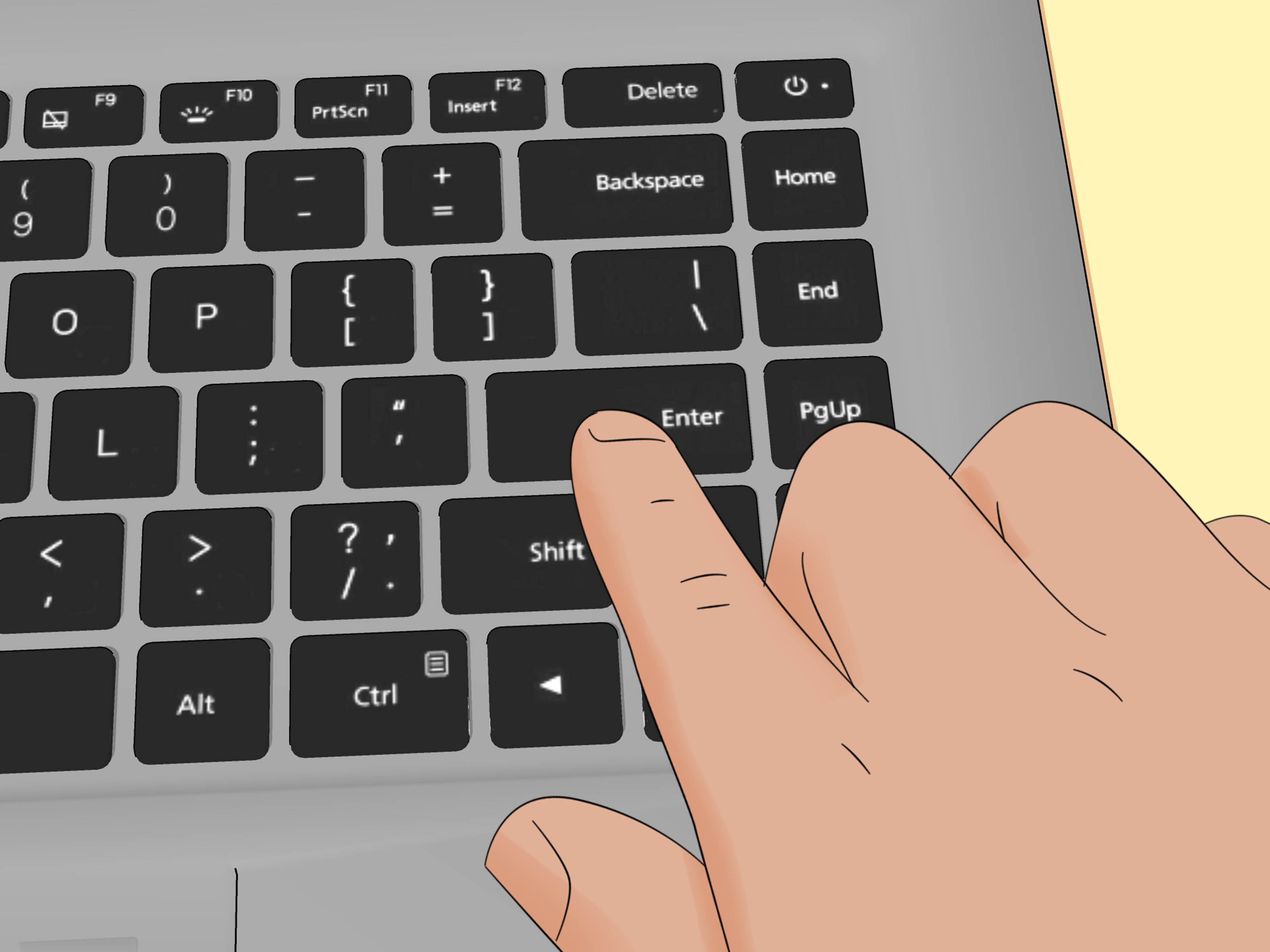
Every Discord user eventually reaches the same chaotic little crossroads: “Can I send a blank message?” Not a dramatic speech. Not a meme. Not even a suspiciously tiny “k.” Just pure, beautiful, digital nothingness.
The answer is yes… sort of. Discord does not normally let you send a truly empty message. If you smash the spacebar a few times and hit Enter, Discord will usually trim that whitespace faster than a barber on espresso. But here’s the loophole: you can send a message that looks blank by using hidden formatting or invisible Unicode characters.
That means the trick is not about sending “nothing.” It is about sending something that renders like nothing. Sneaky? A little. Useful? Surprisingly, yes. Whether you want to prank a friend, create clean spacing in a channel, or simply enjoy the weird joy of posting a ghost message, these two hidden text tricks get the job done.
Below, I’ll walk you through the two most common methods, explain why they work, show you how to copy them correctly, and help you avoid the classic “Why did Discord just send a weird symbol instead?” moment.
Why Discord Usually Rejects a Blank Message
Discord is built to prevent accidental empty posts. That makes sense. Otherwise, channels would be full of random blank bubbles from people hitting Enter too fast, keyboard cats, and the occasional overexcited gamer who meant to type “gg” but posted a majestic void instead.
So when you enter regular spaces, Discord often treats them as empty input. However, certain characters are not regular spaces. Some are formatting markers used by Discord’s Markdown system. Others are Unicode characters that appear invisible while still counting as real text data. That is the whole secret sauce.
Think of it like this: Discord blocks an empty lunch tray, but it still lets in a tray holding one invisible cracker.
Hidden Text Trick #1: Use a Markdown Loophole
This is the easiest method to try because it does not require hunting down any special characters. Instead, you type a pattern that Discord interprets as formatting, and the result can appear blank.
Type one of these exactly:
Yes, that really is the trick. In the first example, you are placing a single space between two pairs of asterisks. In the second, you are placing a single space between two underscores.
How to do it
- Open any Discord chat, DM, or server channel where you have permission to post.
- Type
** **or_ _exactly as shown. - Press Enter.
If Discord renders it the way you want, the message will appear blank or nearly blank to other users. Congratulations. You have successfully posted a tiny, stylish absence.
Why this works
Discord uses Markdown-style formatting. Asterisks and underscores normally tell the app to italicize or bold text. When the “text” inside is just a space, the rendering can leave behind a message that looks empty, even though there is technically still content there.
When this method works best
This trick is fast, easy, and great when you want a no-copy, no-paste solution. It is especially handy on mobile, where switching apps just to copy an invisible character feels like a side quest nobody asked for.
When it can fail
Discord behavior can vary slightly depending on app version, platform, input method, or server tools. Some bots, moderation filters, or future UI changes may prevent this from behaving exactly the same everywhere. If you send it and Discord shows the symbols instead of the blank effect, move to Trick #2. That one is usually the sturdier option.
Hidden Text Trick #2: Paste an Invisible Unicode Character
This is the more reliable method, and it is the one most people mean when they talk about sending a blank message on Discord. Instead of using visible symbols like asterisks or underscores, you paste a Unicode character that looks empty on screen.
The two most popular options are:
- Hangul Filler (U+3164)
- Zero Width Space (U+200B)
There is also a third character some people use, Braille Pattern Blank (U+2800), but it can behave a little differently in some fonts and layouts, so it is better treated as a backup option.
Copy examples
The invisible character is the one inside the brackets. If you highlight and copy what is between the brackets, that hidden character can be pasted into Discord as a message.
How to do it
- Copy an invisible character, preferably U+3164 or U+200B.
- Open Discord.
- Paste the character into the message box.
- Press Enter.
That is it. The message should appear blank, while technically containing a character that Discord recognizes as real input.
Which invisible character is best?
U+3164 Hangul Filler is often the favorite for blank-message tricks because it tends to survive copy-and-paste nicely and usually behaves like “something” to text boxes that reject standard spaces.
U+200B Zero Width Space is excellent for invisible formatting and hidden separation, but it can be harder to verify because it has no visible width at all. That is wonderful when it works, but a little maddening when you are trying to prove to yourself you actually copied it.
U+2800 Braille Pattern Blank can look like a blank space with width, which makes it useful in some designs, but it is not always the cleanest choice for a “totally invisible” effect.
Desktop vs. Mobile: Does It Work the Same?
Mostly, yes. Both tricks can work on desktop and mobile, but the copy-paste invisible character method is usually easier to trust because it is less sensitive to how your keyboard app handles symbols and formatting.
On desktop
Desktop is the easiest place to use blank-message tricks. You can copy an invisible character, paste it cleanly, and test it in seconds. If a message fails, you can quickly retry with a different character.
On mobile
Mobile works too, but autocorrect, smart punctuation, or keyboard quirks can sometimes interfere with the Markdown trick. Invisible Unicode characters usually behave better as long as you copy them properly and do not accidentally add a visible character before or after them.
Common Reasons the Blank Message Trick Fails
If your blank Discord message is not working, the problem is usually one of these very fixable issues:
1. You copied the brackets too
If you copied [ㅤ] instead of just the invisible character between the brackets, Discord will absolutely send the brackets. Discord is many things, but psychic is not one of them.
2. You pasted extra spaces
A visible space before or after an invisible character can change the result. Copy carefully and test in a DM if needed.
3. Your font or app version displays the character oddly
Some invisible characters are not perfectly invisible in every situation. If one character looks weird, try another.
4. A bot or moderation rule blocks it
Some servers use bots that filter low-content or suspicious messages. In those cases, a blank message may be deleted, blocked, or logged as spam.
5. Discord changes behavior
Apps evolve. Features move. Loopholes occasionally get escorted out by security wearing sensible shoes. If one method stops working after an update, another may still work.
Best Uses for Blank Messages on Discord
Let’s be honest: sending a blank message is not exactly life-changing technology. Nobody is winning a Nobel Prize in Ghost Posting. Still, it has a few practical and fun uses.
Lighthearted pranks
A blank message in a group chat often makes people pause for half a second and wonder whether Discord bugged out or a spectral moderator just logged in.
Minimalist formatting
Some users like blank lines for visual spacing in guides, announcements, or aesthetic channels. A well-placed invisible message can create breathing room when plain formatting feels cramped.
Testing bots and filters
Admins and tinkerers sometimes use invisible text to see how bots react to low-content input, formatting quirks, or Unicode edge cases.
Hidden placeholders
In certain workflows, invisible characters act as placeholders so an input field is not technically empty. That is more of a text-nerd trick than a Discord party trick, but it is real.
Should You Actually Use Blank Messages?
Sure, in moderation. Blank messages are funny once in a while. They are mildly useful in formatting. They are also very capable of becoming annoying if used repeatedly in busy channels.
So here is the golden rule: use the trick like hot sauce. A little makes things interesting. Too much and everyone regrets inviting you.
If you are in a professional server, a school group, or a community with strict moderation, think twice before firing off a wave of invisible chaos. Some people will laugh. Others will assume their app broke and begin rebooting devices like it is an emergency drill.
Which Method Is Better?
If you want the fastest option, try the Markdown loophole first:
If you want the method that usually feels more dependable, use an invisible Unicode character, especially U+3164 or U+200B.
In plain English:
- Fastest: Markdown trick
- Most reliable: Invisible Unicode character
- Most confusing the first time: Definitely the invisible Unicode character, because copying “nothing” feels illegal
Experience Notes: What Using Blank Messages on Discord Is Actually Like
The funny thing about blank messages is that they sound silly until you actually try them in a real Discord conversation. Then you discover they create a surprisingly dramatic effect. A normal message appears, gets read, and moves on with its life. A blank message, on the other hand, makes people stop. It creates a tiny pause in the flow of chat, like the room just heard a floorboard creak in the attic.
In small friend groups, the reaction is usually immediate confusion followed by laughter. Someone asks, “What was that?” Another person checks whether Discord glitched. A third person, usually the one who treats every minor internet trick like advanced wizardry, starts trying to reverse-engineer what happened. That is part of the fun. The blank message is less about content and more about reaction. It is digital mischief with very low stakes.
In larger servers, the experience feels a little different. Blank messages can get ignored completely if the chat is moving fast, or they can stand out even more because people assume the post is some kind of formatting trick, bot hiccup, or hidden joke. In announcement channels or heavily organized communities, invisible messages can also look strangely elegant when used sparingly for spacing. Used well, they feel intentional. Used badly, they feel like someone’s keyboard fell asleep.
There is also a learning curve that almost everyone goes through. The first attempt usually includes at least one tiny disaster. Maybe you copied the brackets along with the invisible character. Maybe Discord showed the asterisks instead of rendering the Markdown trick. Maybe you pasted something that looked blank in one app and turned into a visible oddball symbol in Discord. That trial-and-error phase is completely normal. Invisible text is one of those rare internet tricks where success feels strangely satisfying because your “nothing” finally worked.
On mobile, the experience can be slightly more chaotic. You paste what you believe is a perfect invisible character, hit send, and then spend three seconds wondering whether the message failed or whether it worked too well to notice. Mobile keyboards love to “help,” which is wonderful when writing a grocery list and less wonderful when attempting precision ghost posting. Desktop is calmer. Mobile is more of a trust exercise.
What most users discover after the novelty wears off is that blank messages are best as an occasional tool, not a personality trait. One or two invisible posts can be funny, stylish, or useful for spacing. Twenty in a row turns you from “clever internet magician” into “person everyone mutes during lunch.” The trick works best when it feels unexpected.
That is why the real experience of using blank messages on Discord is not just technical. It is social. It is about timing, context, and knowing your audience. In a goofy group chat, it lands like a joke. In a strict server, it can look like spam. In an aesthetic channel, it may even look oddly polished. Same trick, different vibe.
And that, honestly, is what makes it memorable. A blank Discord message is not powerful because it says something huge. It is powerful because it says almost nothing, and somehow still gets a reaction. The internet is weird, people are curious, and sometimes the loudest post in the room is the one that appears to say absolutely nothing at all.
Final Thoughts
If you want to send a blank message on Discord, remember the golden truth: you are not sending empty text. You are sending text that behaves like a visual ghost.
The two easiest methods are simple:
- Use the Markdown loophole with
** **or_ _. - Paste an invisible Unicode character such as U+3164 Hangul Filler or U+200B Zero Width Space.
If one method fails, try the other. If both work, enjoy your newly acquired ability to post sophisticated nothingness. Use it for fun, use it for formatting, use it responsibly, and maybe do not use it to frighten your least tech-savvy friend into thinking Discord has become haunted.