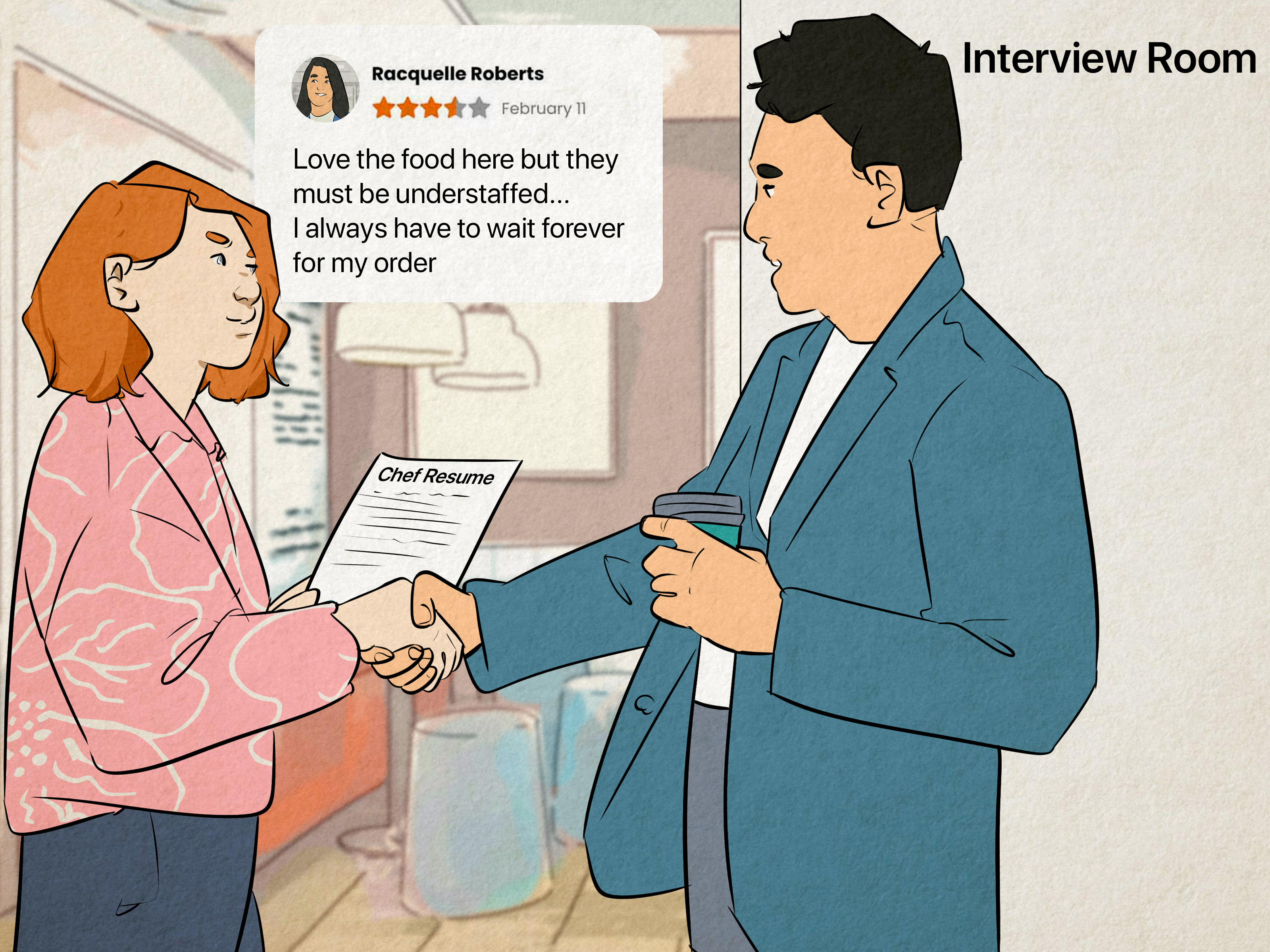
If you have ever stared at a Google review and thought, “Well, that escalated quickly,” you are not alone. Maybe you posted a review in a moment of righteous keyboard fury and now regret it. Maybe your business got slapped with a fake one-star review from someone who seems to have reviewed your plumbing company, taco truck, and dental office all in the same afternoon. Either way, the big question is the same: can Google reviews be deleted?
The answer is yes, sometimes. If you wrote the review, deleting it is usually straightforward. If someone else wrote the review, it gets more complicated. Businesses generally cannot just wave a magic wand and make bad reviews disappear. Google usually removes reviews only when they violate policy, not just because they are rude, annoying, dramatic, or painfully honest.
In this guide, you will learn how to delete a Google review you posted yourself, how to report inappropriate reviews left by others, what types of reviews Google may remove, and what to do when a review is ugly but still allowed to stay. In other words, this is the practical, no-fluff playbook for handling Google reviews without throwing your laptop out a window.
The Short Answer: Who Can Delete What?
Let’s start with the clean, simple version. If you wrote a Google review, you can usually edit or delete it from your Google account through Google Maps. That part is easy.
If you own or manage a business, you cannot directly delete reviews written by other people. What you can do is report a review that appears fake, spammy, off-topic, abusive, or otherwise against Google’s content policies. Google then decides whether the review stays or goes.
That distinction matters. Many business owners search for “how to delete Google reviews,” but the real process for third-party reviews is closer to requesting removal than deleting. Think less “delete button,” more “please review this mess, Google.”
How to Delete a Google Review You Posted Yourself
If you are the person who wrote the review, you are in luck. You do not need to file a special request, contact support, or perform an interpretive dance for the algorithm. You just need to find your review and remove it.
Delete Your Review on Desktop
- Open Google Maps in your browser.
- Click the menu and go to Your contributions.
- Select Reviews.
- Find the review you want to remove.
- Click the three-dot menu next to it.
- Choose Delete review and confirm.
Delete Your Review on Mobile
- Open the Google Maps app.
- Tap your profile picture.
- Go to your profile or contributions section.
- Open your reviews.
- Tap the three-dot menu next to the review.
- Select Delete review.
You can also edit the review instead of deleting it. That is often the smarter option when your experience improved, your issue was resolved, or your original review reads like it was written while you were fueled entirely by caffeine and betrayal.
Should You Edit or Delete Your Own Google Review?
Deleting a Google review is not always the best move. Sometimes editing it makes more sense. For example, if a business fixed the problem, refunded you, replaced a defective item, or followed up professionally, updating your review can be more fair and more useful to other customers.
Editing also keeps the context intact. Instead of wiping the review from history, you can show what happened and how the company responded. That kind of update tells a fuller story, and honestly, it makes you look more reasonable too. Internet points for maturity.
Delete your review when it is inaccurate, too emotional, posted by mistake, or no longer reflects what you think. Edit it when the original issue was real, but the final outcome changed.
Can Businesses Delete Google Reviews Posted by Other People?
Usually, no. A business cannot directly remove a customer’s Google review just because it is negative. Google does not treat a bad review as a policy violation by default. A one-star review can stay live even when it hurts your feelings, bruises your ego, and makes your marketing team stare into the void.
Google generally removes reviews only if they break the rules. That means your goal is not to prove a review is unpleasant. Your goal is to show that it violates Google’s policies.
That is a major mindset shift. “This review is unfair” is not the same thing as “this review is removable.” If the reviewer had a real experience and wrote a harsh opinion without breaking policy, the review may stay up.
What Types of Google Reviews May Be Removed?
Google’s review policies are broad, but several categories matter most when you want a review taken down. These are the kinds of reviews most likely to qualify for removal:
- Fake engagement: reviews that are not based on a real experience, paid reviews, coordinated review attacks, or reviews posted from multiple fake accounts.
- Conflict of interest: reviews from current or former employees, competitors, family members, or others with a clear bias.
- Off-topic content: political rants, personal soapbox speeches, or commentary unrelated to an actual experience at the business.
- Harassment or hate speech: threatening, abusive, or discriminatory content.
- Personal information: doxxing, private phone numbers, home addresses, or sensitive personal details.
- Advertising or solicitation: reviews stuffed with promotions, links, phone numbers, or unrelated sales language.
- Obscenity or sexually explicit content: self-explanatory, and thankfully not something we need to describe in detail.
- Gibberish or repetitive spam: nonsense text, duplicated posts, or copied-and-pasted attacks.
- Illegal or extortion-related content: reviews tied to blackmail, threats, or demands for money or favors.
Also important: Google does not allow businesses to offer incentives for posting reviews, revising reviews, or removing negative reviews. So if someone says, “Give me a free service and I’ll take down my review,” that is not just shady. It can fall into policy territory that Google takes seriously.
How to Report a Google Review on Your Business Profile
If a review appears to violate policy, you can report it through your Google Business Profile. The reporting process is not difficult, but it does require patience. And yes, patience is annoying. Still, that is the system.
Basic Review Reporting Steps
- Sign in to the Google account that manages your Business Profile.
- Open your Business Profile.
- Go to Read reviews.
- Find the review in question.
- Click Report or the three-dot menu.
- Select the reason for the report, such as spam, profanity, or off-topic content.
- Submit the report.
After that, Google reviews the report. The process may take several days. This is where many business owners get tripped up. Reporting is not instant removal. It is a request for Google to evaluate the content.
Use the Reviews Management Tool
Google also provides a Reviews Management Tool that lets business owners report review removals and check the status of requests. That tool is especially useful when you manage more than one location or want to track what happened after you flagged a review.
Status labels typically show whether the decision is still pending, whether Google found no policy violation, or whether an appeal has been escalated. In plain English: you can monitor the review instead of wondering whether your report vanished into a digital black hole.
What If Google Refuses to Remove the Review?
This happens a lot. You report a review. You wait. You check the result. And Google basically says, “Thanks, but no thanks.” At that point, you may still have options.
Google allows a one-time appeal for certain review-removal decisions. If the review is eligible, you can reopen the case through the Reviews Management Tool and submit an appeal. This is the moment to be organized. Bring screenshots, explain the policy issue clearly, and focus on facts instead of outrage.
Do not write an appeal that sounds like, “This reviewer is a monster and I have cried twice.” Write one that sounds like, “This review appears to come from a competitor and includes claims unrelated to any documented customer interaction.” Calm beats chaos.
If the issue involves extortion, impersonation, or severe privacy concerns, use the most appropriate Google reporting path instead of relying only on the standard flagging flow.
Special Cases: Extortion, Personal Information, and Legal Issues
Some review problems go beyond ordinary negative feedback.
Extortion Scams
If someone posts or threatens negative reviews and then demands money, products, discounts, or favors to remove them, do not play along. Google has a dedicated process for reporting negative review extortion scams. Save screenshots, collect messages, document dates, and report the pattern quickly.
Personal Information
If a review includes private personal information, report it. If the situation is especially serious, such as doxxing or unlawful disclosure, Google also has legal reporting channels for content that may violate law or rights.
Defamation and Other Legal Problems
Not every false review qualifies for immediate removal through ordinary moderation. In serious cases involving legal claims, businesses sometimes pursue formal legal remedies and submit legal removal requests through Google’s legal help channels. That route is more serious and often requires documentation rather than just frustration.
What to Do If the Review Is Negative but Not Removable
Here is the hard truth: some bad reviews stay. That does not mean you are powerless.
1. Reply Professionally
If your business is verified, you can reply publicly to reviews. Keep your response calm, brief, and useful. Thank the reviewer, acknowledge the concern, and offer a next step. The goal is not to win a duel. The goal is to show future customers that your business behaves like adults live there.
2. Move the Conversation Offline
Invite the customer to contact your support team, manager, or owner directly. Be specific. “Please contact us so we can help” is okay. “Email Sarah at this address and mention order 472 support” is better.
3. Fix the Root Problem
Sometimes the review is rude but true. Painful, yes. Useful, also yes. If multiple reviews mention the same issue, slow service, hidden fees, missed calls, sloppy scheduling, or poor communication, that is not a review problem. That is a business process problem wearing a one-star hat.
4. Ask for More Honest Reviews
The best long-term defense against a few ugly reviews is a stronger body of genuine positive ones. Do not buy reviews. Do not pressure customers. Do not bribe them with discounts or freebies. Just make it easy for real customers to leave honest feedback.
What Businesses Should Never Do
- Do not post reviews for your own business.
- Do not ask employees, relatives, or competitors to review you.
- Do not offer gifts, discounts, or refunds in exchange for removing a negative review.
- Do not threaten customers for leaving criticism.
- Do not copy-paste the same reply to every complaint like a sad customer-service robot.
These tactics can backfire badly. At best, they look desperate. At worst, they violate policy and create an even bigger reputation problem than the original review.
Common Experiences People Have With Deleting Google Reviews
One of the most common experiences is simple regret. A customer leaves a harsh review after a bad day, cools off later, and wants to delete or edit it. Usually, that process is easy once they know where to look. The bigger challenge is that many people do not remember whether they posted through Google Maps, Search, or another Google interface. The good news is that the review is generally tied to the same Google account, so finding it under contributions or reviews usually solves the mystery.
Business owners have a very different experience. They often assume there must be a delete button somewhere in the dashboard. Then they discover that Google does not hand businesses a giant red “erase criticism” lever, which is probably wise for civilization as a whole. What they actually find is a reporting system, status checks, and sometimes a denial that feels deeply personal even when it is just policy.
Another common situation involves reviews that look fake but are hard to prove. A business may receive a one-star review from a person with no appointment history, no invoice, no email trail, and no recognizable name. That is frustrating, but Google still wants the content to fit a policy violation category. Many businesses learn the hard way that “I don’t recognize this person” is not always enough by itself. Stronger evidence helps, especially when the review is clearly part of a pattern, uses copied language, targets multiple locations, or appears tied to a competitor.
There is also the experience of the review that should have been reported sooner. A business owner waits, hopes it will disappear, and then realizes months later that the review still sits there like a permanent rain cloud above the listing. Acting quickly matters. Taking screenshots, documenting why the content seems fake or abusive, and filing the report early often puts you in a stronger position.
Some businesses discover that the best outcome is not deletion at all. They respond thoughtfully, solve the customer’s issue, and the reviewer updates the post from one star to four. That does not feel as dramatic as full removal, but it can be better for trust. Future customers get to see that problems happen, and that your business actually knows how to handle them without bursting into flames.
Then there are the weird cases: coordinated review bombing, suspicious review spikes after a news story, calls from shady “reputation experts” offering paid removal, or messages demanding cash to make negative reviews vanish. Those situations can feel chaotic fast. Businesses dealing with them often say the most valuable move was slowing down, gathering evidence, refusing to pay anyone, and using Google’s official reporting channels instead of panicking.
At the personal level, people who delete their own reviews often say the same thing afterward: they wish they had waited before posting. That may be the most universal lesson in this entire topic. Whether you are a customer or a business owner, the internet remembers fast. A little pause before posting can save a lot of cleanup later.
Note: This article is for informational purposes and reflects current general practices for deleting, reporting, and managing Google reviews. Exact buttons and workflows may change over time as Google updates Search, Maps, and Business Profile tools.